
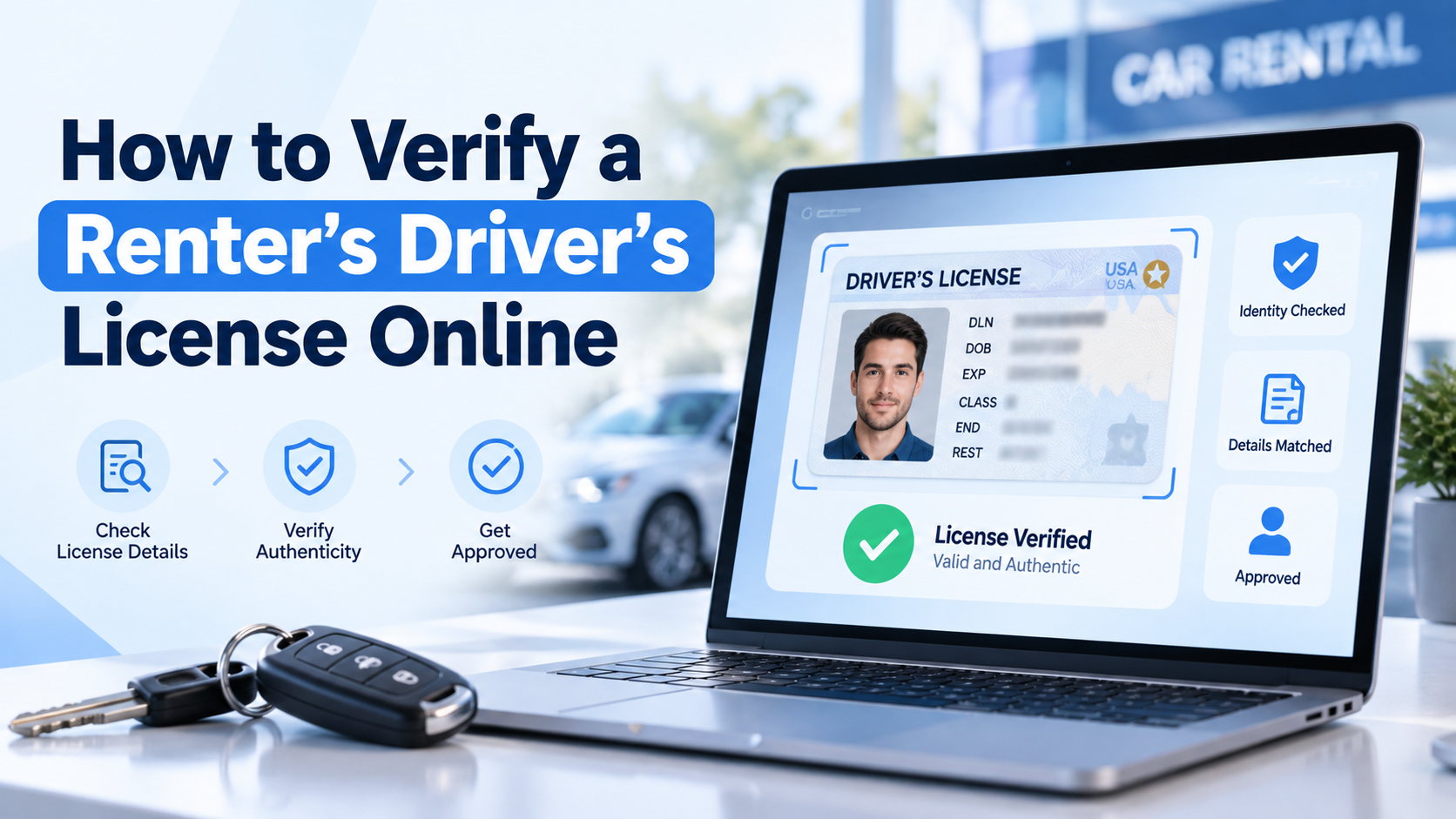
Looking at a photo of a license is not verification. Real verification means reading the PDF417 barcode on the back of the card, checking the encoded data against the front, confirming the credential is authentic, and, where available, checking the details against the issuing state's records. All of it happens before the booking confirms, and it takes the renter about two minutes.
Every operator has a story about the renter who seemed fine. The license looked right in the photo, and the car came back damaged, or did not come back at all. The gap in almost every one of those stories is the same. Nobody checked the document. Somebody looked at it.
Quick summary
- US licenses carry a PDF417 barcode encoding the same data printed on the front. Comparing the two catches most alterations.
- AAMVA's Driver's License Data Verification service checks submitted details against the issuing agency's records in real time.
- Verification should happen while the booking is pending, not at handover.
- A failed check and an unreadable photo need different responses.
- Every additional driver needs their own check.
How do rental companies verify a driver's license?
The renter photographs both sides during booking, usually on their phone. Software reads the data, compares the barcode against the printed details, assesses security features, and returns a pass, fail or manual review result before the reservation confirms.
Why verification has to happen before confirmation
The critical word is before. Verification at handover has already cost you the option to decline cleanly. Verification at booking means a failed check is simply a booking that does not complete, which is a much easier conversation than turning someone away in your lot. It is also what makes a contactless rental workable at all, since nobody is inspecting a document in person.
Why both sides of the card matter
The back of a US license carries a PDF417 barcode containing the cardholder's details in machine-readable form, standardized by the American Association of Motor Vehicle Administrators. Comparing what the barcode says against what is printed on the front is one of the strongest ways to catch an altered document. A front-only check misses the comparison entirely.
What gets checked on a driver's license?
Six things.
| Check | What it confirms | Why it matters |
| Expiry date | The license is currently valid | An expired license usually voids your insurance position |
| Date of birth | The renter meets your minimum age | An underage rental is an uninsured rental |
| Name match | Renter, license and booking agree | The single strongest fraud signal |
| Security features | The document is genuine | Catches printed and manufactured fakes |
| Image quality | The data can be read reliably | Blurred photos hide alterations |
| Front vs back agreement | The document has not been edited | Catches most alteration attempts |
Why the name match is the strongest signal
When the license name, the booking name, and the cardholder name do not all agree, that is the most common signature of a rental made with someone else's identity. Any single mismatch is worth a manual review.
What is AAMVA DLDV?
AAMVA's Driver's License Data Verification service lets approved organizations check license details against data held by the issuing motor vehicle agency, in real time. Rather than integrating with fifty state agencies, a verifier submits the data through one service.
DLDV confirms; it does not disclose
Here is the part most guides get wrong. DLDV does not return the renter's data. It returns a match flag for each element, telling you whether it matches what the state holds. That distinction matters for your privacy position, because you are not receiving state records, only confirmation.
Two practical limits
AAMVA approves every organization using DLDV and requires a non-disclosure agreement, so it comes through a verification provider rather than something you switch on yourself. And the service has scheduled maintenance windows, as do individual state systems. A failure during a window is not a fraud signal.
Can software detect a fake or altered license?
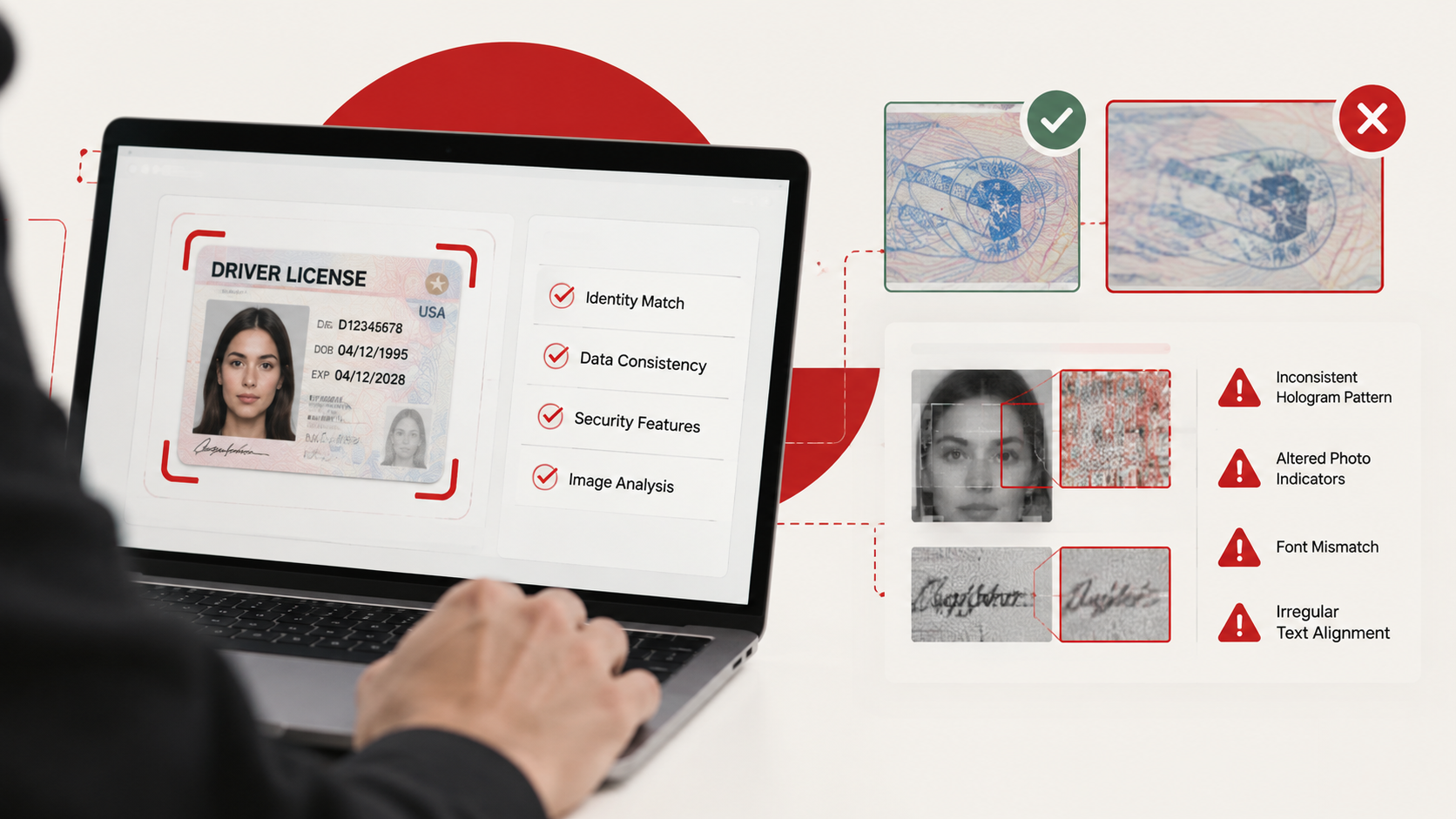
It catches most of them by checking security features, layout consistency, font characteristics, and whether the barcode data matches the print.
Why altered documents get caught
AAMVA publishes a standard for barcode structure, but jurisdictions implement it differently and some deviate in specific, documented ways. A forged barcode generated from a template rarely reproduces a given state's quirks. The structure becomes a fingerprint.
What verification cannot do
Verification substantially reduces exposure. It does not eliminate it, and any provider claiming otherwise is overselling. The pattern most worth catching is alteration rather than fabrication. Someone editing a date of birth to clear a minimum age requirement is far more common than a manufactured document, and front-to-back comparison catches exactly that.
A check can also fail because the submitted data is inaccurate, not because the renter is fraudulent. OCR errors, a middle initial recorded differently, a recent address change. Build a manual review path rather than treating every mismatch as fraud.
Can out-of-state and international licenses be verified?
Out-of-state US licenses verify the same way, since all follow the AAMVA standard. International licenses vary by country and provider, so decide your policy for unsupported documents in advance rather than in the moment.
Setting your international renter policy
Your options for international renters: a supported foreign license, an International Driving Permit alongside the home license, or declining. Whichever you choose, write it into your terms and apply it consistently. An inconsistent policy is both a fraud gap and a discrimination risk. The same logic applies to the state rules you operate under, which set your floor on age and documentation.
Can a license be verified before booking confirmation?
Yes, and it should be. Hold the booking pending until verification completes, and release pickup details only once it passes.
The sequence that works
- Renter selects vehicle and dates
- Renter photographs both sides of the license
- Verification runs while the booking sits pending
- Payment and deposit process on a pass
- Pickup details release only after confirmation
That last step is the one operators skip. If your pickup location goes out with the confirmation before verification clears, you have handed that information to someone you have not checked.
What happens when verification fails?
Distinguish between a failed check and an unclear image.
| Failure reason | Right response |
| Blurred or cropped image | Request resubmission |
| Expired license | Decline, no exception |
| Under minimum age | Decline, no exception |
| Name mismatch with booking | Manual review before proceeding |
| Data mismatch with state records | Manual review, may be clerical |
| Suspected alteration | Decline and record |
| Unsupported document type | Offer an alternative document |
Give staff a review path
Give staff the ability to review borderline cases, and record the reason whenever someone approves a booking that did not pass cleanly. That record protects you if the rental goes wrong, and it is how you spot a staff member approving too many overrides.
Does each additional driver need their own check?
Every driver gets their own verification. An additional driver who has not been checked is an unverified person operating your vehicle, and in most insurance situations, an undisclosed driver is an uncovered one. Your rental agreement should name every approved driver for the same reason.
Send each additional driver their own verification link rather than having the primary renter submit on their behalf.
How is renter identity data protected?
License images and extracted data should be encrypted, access-restricted by staff role, and retained only as long as you have a business or legal reason to hold them. Not every member of staff needs to see identity documents.
Set a retention period
Set one and stick to it. Holding license images indefinitely is a growing liability, and several states have specific rules on retaining identity documents.
How FleetHQ handles license verification
FleetHQ runs ID verification inside the booking flow on your own branded website. The renter uploads a government-issued ID and completes a live selfie match; the document is validated against national databases, and the booking stays pending until it clears. Pickup details are released only after confirmation. Results attach to the renter profile, so repeat renters skip re-verification until their ID expires, and verification runs as part of the same flow as the rental agreement and the deposit.
Frequently asked questions
Which documents can renters submit? A driver's license is required. Depending on your policy, a passport or national ID may be accepted as supporting confirmation alongside it.
Can verification be done on a phone? Yes. Phone cameras generally produce better results than uploaded scans because they capture the barcode more cleanly.
How long does verification take? Usually under two minutes from the renter's side, with the automated check returning in seconds.
Is a passport accepted instead of a license? Not instead. A passport proves identity but not driving entitlement.
Can staff override a failed check? They should be able to, with the reason recorded. A clerical mismatch is a different situation from a suspected alteration.
Is verification data stored securely? It should be encrypted, restricted by role, and deleted on a defined retention schedule.
Does verification stop all rental fraud? No. It substantially reduces exposure but no process catches every attempt.
The bottom line
The difference between looking at a license and verifying one is the difference between a process and a hope. Read the barcode, compare it to the front, check against the issuing agency where you can, run the check before the booking confirms, and verify every driver.
See how ID verification works, or read how the right rental agreement protects your fleet.